
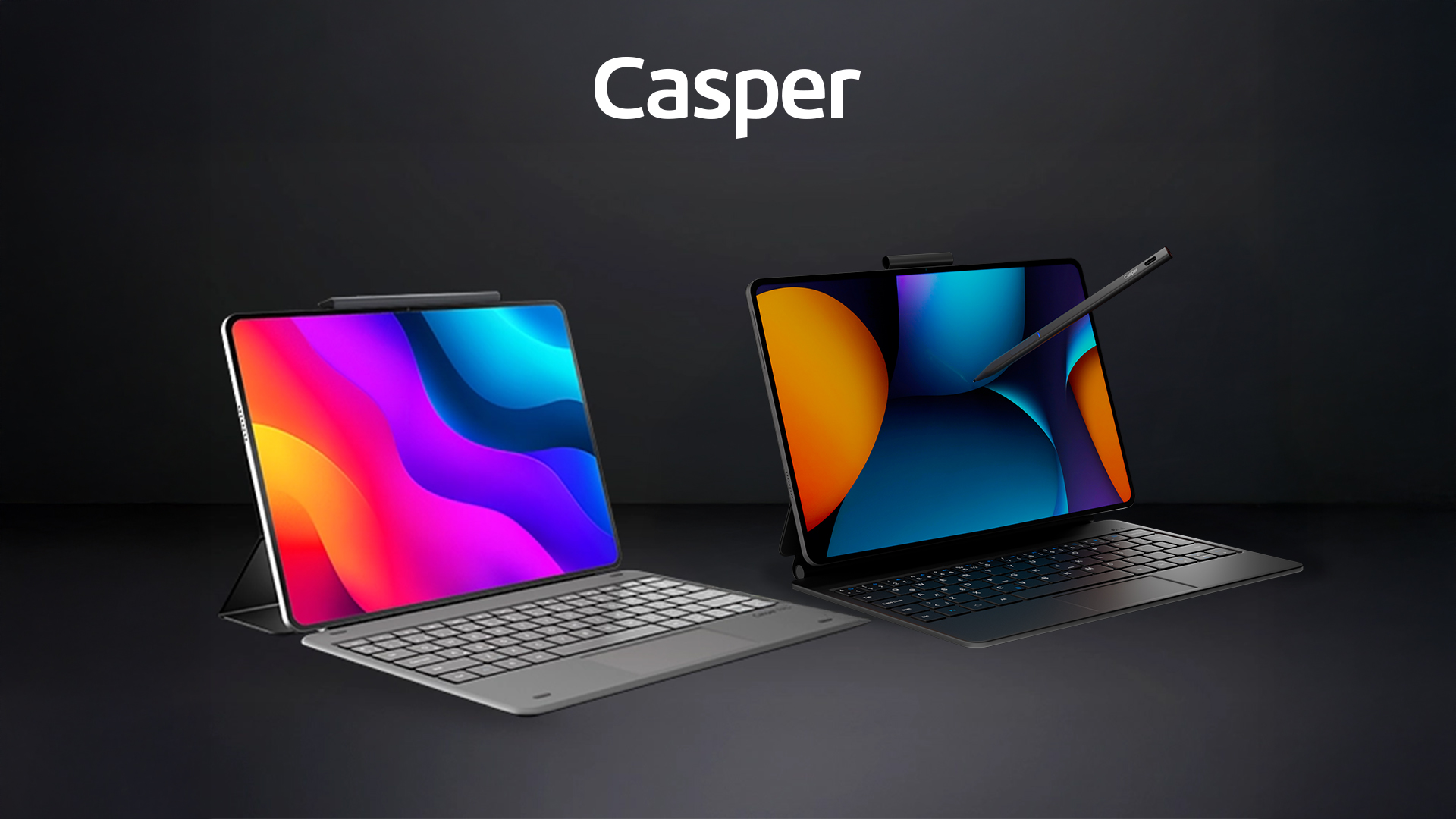
A tablet keyboard can replace a laptop for emails and medium-length texts. Those who write articles or reports for hours every day should test key spacing, key travel, wrist support, the touchpad, and the screen angle. If desktop publishing features are required, application limitations should also be evaluated. Casper PAD M10 Pro, PAD H10 Pro, and PAD Z10 Pro offer different priorities in screen size, memory, and portability for this need.
Learn to what extent a tablet keyboard can serve as an alternative to a laptop for writing articles, reports, and assignments in terms of keys, touchpad, screen angle, and applications.
|
12.2–14.2 inches |
Stylus + keyboard |
8–12 GB RAM |
Which details determine writing comfort?
Keyboard width, the English key layout, key travel, and flex on a desk are important for long writing sessions. Keyboard cases are designed to be slim for portability, so they may feel different from a full-size laptop keyboard. Writing a few paragraphs before purchasing is more informative than a technical specifications table.
Why are the touchpad and screen angle important?
A touchpad speeds up cursor positioning, section selection, and switching between files. The number of angles at which the case can hold the screen also affects neck and eye comfort. Because lap use may be less stable than desk use, the device should be tested in your actual workspace.
How are Casper PAD models positioned?
In both Pro packages, the keyboard case with a touchpad supports productivity use. PAD M10 Pro balances everyday writing, study, and budget, while PAD H10 Pro may be considered for reports containing many documents and visuals thanks to its larger OLED display and 256 GB of storage. The application’s style, footnote, and bibliography features should also be checked.
How does Casper PAD Z10 Pro meet this need?
Casper PAD Z10 Pro offers a 14.2-inch 3:2 2.8K OLED display, a 144 Hz refresh rate, 12 GB LPDDR5 RAM, 256 GB of storage, and a 10,000 mAh battery. With its 14.2-inch 3:2 display and support for a Magic Keyboard with a touchpad, it is designed to bring long-form writing, research, and documents together in a larger workspace. Since key spacing, hinge stability, and desk comfort are personal preferences, it should be tested by writing a long sample text; desktop software requirements should also be reviewed. PAD Z10 Pro can be used like a laptop with its keyboard for long-form writing and switched to touchscreen tablet use for reading and annotation.
What should you consider for each need?
|
User need |
Decision criterion |
Recommended direction |
|
Email and short-form writing |
Keyboard case |
A tablet is sufficient |
|
Long articles/assignments |
Key feel + screen angle |
Be sure to test it |
|
Advanced page layout |
Desktop application |
A laptop may be required |
|
Long-form writing + research |
3:2 display + touchpad support |
PAD Z10 Pro |
Frequently Asked Questions
Can you touch-type on a tablet keyboard?
It depends on the keyboard width and your habits; many users can, but the device should be tested.
Is it comfortable to use on your lap?
It depends on the case’s stand design; a hard desk surface is generally more stable.
Can bibliographies and footnotes be added?
Check the features available in the mobile version of the word-processing application you use.
Who is Casper PAD Z10 Pro suitable for in this use case?
Its large display is advantageous for long-form writing and research; keyboard comfort and the need for desktop applications should be tested.
Purchase decision
For content creation, a tablet’s success depends more on keyboard ergonomics and application features than on the processor. Both models are strong candidates for short and medium-length texts; for long-form writing, test the keyboard and confirm that the required desktop features are available in the mobile application. Those who want a larger display and a touchpad for long-form writing should test PAD Z10 Pro with its keyboard before deciding.