
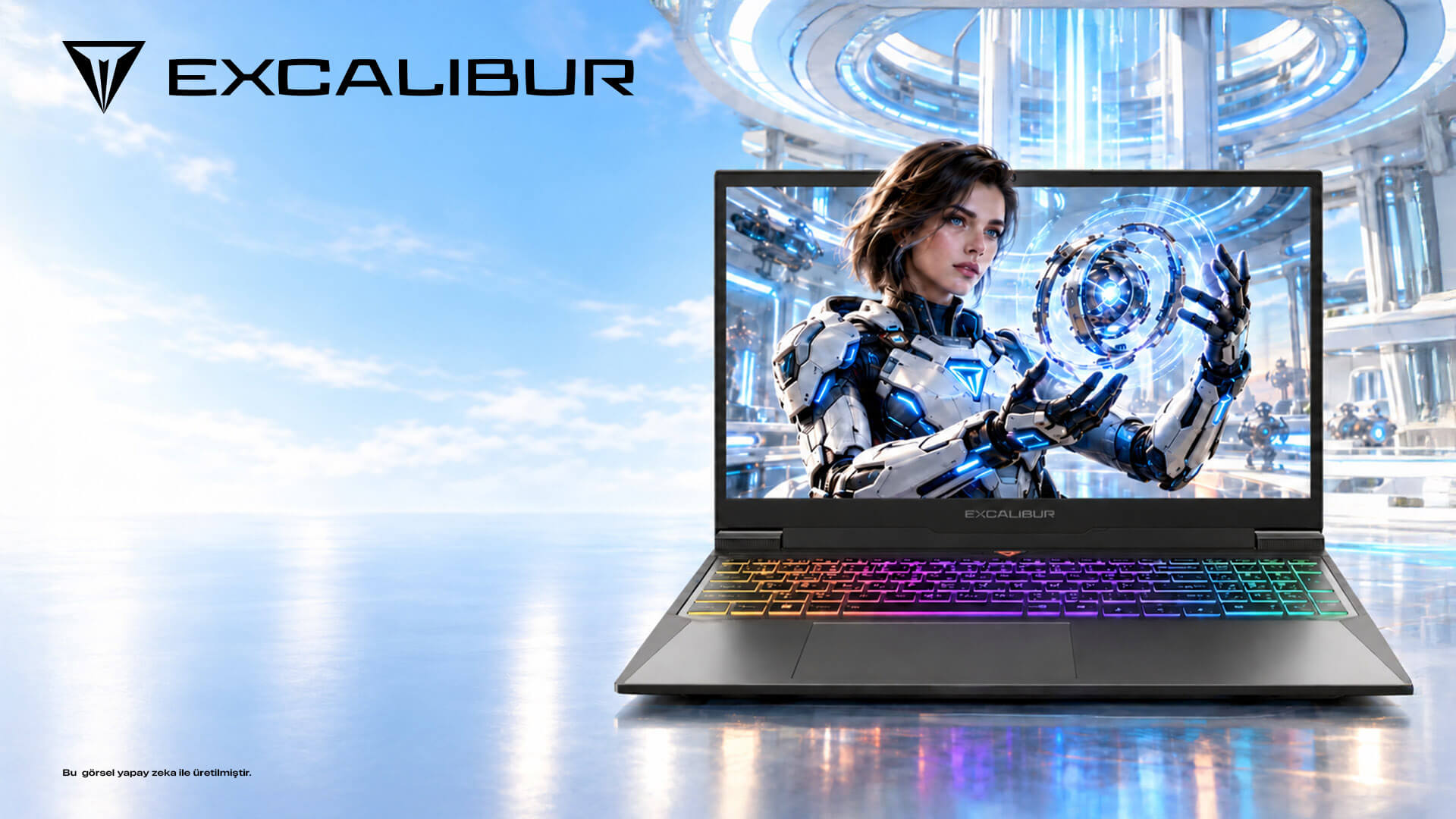
When choosing a value-for-money gaming laptop, first decide at which resolution and graphics setting you want to play. For those playing at Full HD on the built-in screen, the Casper Excalibur G870 offers a 15.6-inch IPS panel, a 165 Hz refresh rate and RTX 5050 and RTX 5060 Laptop GPU options. Intertek measured 109 FPS in Cyberpunk 2077 at 1080p Ultra on the tested Casper Excalibur G870. At High settings the result was 120 FPS. This difference, in the same game and at the same resolution, shows the effect of changing the setting. The first question in your budget decision is which matters more to you: visual detail or smoothness.
Split your budget by the game you play
An online match player wants to follow fast movement comfortably. In a story-driven game, shadows and surrounding details draw more attention. On the Casper Excalibur G870’s Full HD panel, both uses share the same display area. The load the game puts on the graphics card, however, changes with the chosen effects and image settings. For this reason, the results of the same laptop in two games only make sense together with the game’s name, resolution and setting.
The RTX 5050 and RTX 5060 options in the Casper Excalibur G870 family are evaluated together with the Full HD screen. Someone who prioritizes fast movement does not always need heavy effects to the same degree. Another user on the same budget wants to keep texture and shadow detail in the story game they open often. The deciding criterion is the performance achieved with the setting that person does not want to give up in their own game.
How settings affect performance on a Full HD screen
In Intertek’s Cyberpunk 2077 measurement, the resolution was kept fixed at 1080p and the High and Ultra settings were evaluated separately. In this example, High delivered a higher frame rate than Ultra. What the change looks like depends on which effects the game alters. The results belong to the tested configuration. The numbers are not used as an average representing the performance of every retail option.
The Casper Excalibur G870’s panel has a 165 Hz refresh rate. This value describes the panel’s capacity to refresh the image. FPS, on the other hand, expresses the number of new frames the game prepares. The Cyberpunk 2077 measurement gives this second value. Evaluating the panel’s refresh capacity separately from the speed at which the game produces images clarifies what you should expect from a screen when shopping.
Game library and open applications
On a computer you will use for a long time with the same game settings, open programs and locally stored files also matter. The Casper Excalibur G870 offers different system memory and M.2 NVMe SSD configurations. For someone who uses a browser and a chat window alongside the game, system memory makes a more visible difference; for a player who keeps several large games installed, storage space does.
In performance evaluation, these two criteria stand in different places. A larger SSD provides room to install a new game and for updates. The return on graphics settings, however, is determined by the load the game puts on the processor and graphics card. When deciding on the Casper Excalibur G870, think about when you will actually need more capacity, based on your daily use.
Priorities in your weekly gaming routine
Someone who plays online matches most of the week rarely changes the graphics settings they chose for following movement comfortably. Another player opens slower-paced games in the evenings and wants to keep the details that build the atmosphere. On the Casper Excalibur G870, the Full HD screen is a common starting point. Two players look at different visual goals when evaluating the graphics card.
A price-performance comparison becomes clearer when you give less weight to features you will rarely use. If your current games already deliver the image you need, check whether the next difference lies in storage or memory. If you will move to a heavier game, first consider that game’s graphics load. That way, your hardware choice connects to what you actually do on most days.
Priorities in Full HD details
To see what a setting changes while playing on the Casper Excalibur G870’s Full HD screen, picture the same scene in the game. For example, if you rarely notice surrounding detail in a race, that setting matters no more than the budget you devote to motion smoothness. In a story game, light and shadow are part of the picture. That is why different presets of the same card mean different things to different users.
Intertek’s two 1080p measurements show that even at the same resolution, the result changes with the graphics setting. The Casper Excalibur G870’s IPS panel also gives users targeting this resolution on the built-in screen a fixed starting point. Make your everyday choice based on the visual details you easily notice when trying it and the open tools you use while gaming.
First things to check in a Full HD gaming budget
|
Shopping criterion |
Casper Excalibur G870 example |
Effect on budget |
|
Built-in gaming display |
15.6-inch Full HD IPS, 165 Hz |
Determines the screen you start with |
|
Graphics card |
RTX 5050 and RTX 5060 Laptop GPU options |
Allows comparing tested results in the same game and setting |
|
Measured gaming performance |
Intertek, Cyberpunk 2077 1080p: Ultra 109 FPS, High 120 FPS |
What a setting change means in the same game |
|
Who it is for |
Those who play at Full HD and distribute their budget by usage |
Prioritizes the feature you will use most |
Frequently asked questions
How do you compare two configurations at the same budget?
First compare the graphics card and processor you will use at the same resolution, then the memory and SSD space. For products offered with different hardware, like the Casper Excalibur G870, the model name stays the same. The hardware details determine which settings you can target in which game. A difference that matches the game you open often carries more weight than a rarely used feature.
Does the cheapest gaming laptop give the best value for money?
The starting price alone does not tell you how the game you play regularly will run. If you plan to play on the Casper Excalibur G870’s Full HD screen, your game genre, graphics setting and the motion smoothness you want to see all come into the evaluation. Instead of paying for a graphics option you never use, prioritize the feature that benefits you in your real sessions.
Should you spend on the graphics card first in a gaming laptop?
In games with a high graphics load, the graphics card plays a decisive role in image detail and frame rate. When deciding between the Casper Excalibur G870’s different GPU options, base it on the games you play regularly. If the level you choose meets your needs, storage for a larger game library or memory for simultaneously open applications also guides the budget.
How many FPS does the Casper Excalibur G870 deliver in which game at Full HD?
Intertek measured the Casper Excalibur G870 at 109 FPS at Ultra and 120 FPS at High in Cyberpunk 2077 at 1080p. The results belong to the measured device and the stated game settings. The difference between the two results shows how the graphics preset is reflected in frame rate at the same game and screen resolution.
How do you evaluate a 165 Hz screen and in-game FPS together?
On the Casper Excalibur G870’s 165 Hz IPS panel, the refresh rate describes how often the screen updates the image each second. The number of frames the game produces varies with hardware and graphics setting. For example, different quality options in the same Full HD game give different frame rates. Evaluating these two values together helps you understand how motion will look.
Start your decision from the game
Tie your budget first to the game you play, then to the programs you use in the background and your storage needs. The Casper Excalibur G870’s Full HD screen gives the starting point of this plan. Intertek’s measurement of the same game at different graphics settings also shows the importance of the setting in the graphics card decision. Changing the configuration makes sense when the price difference provides a concrete feature you will use in your daily gaming.