
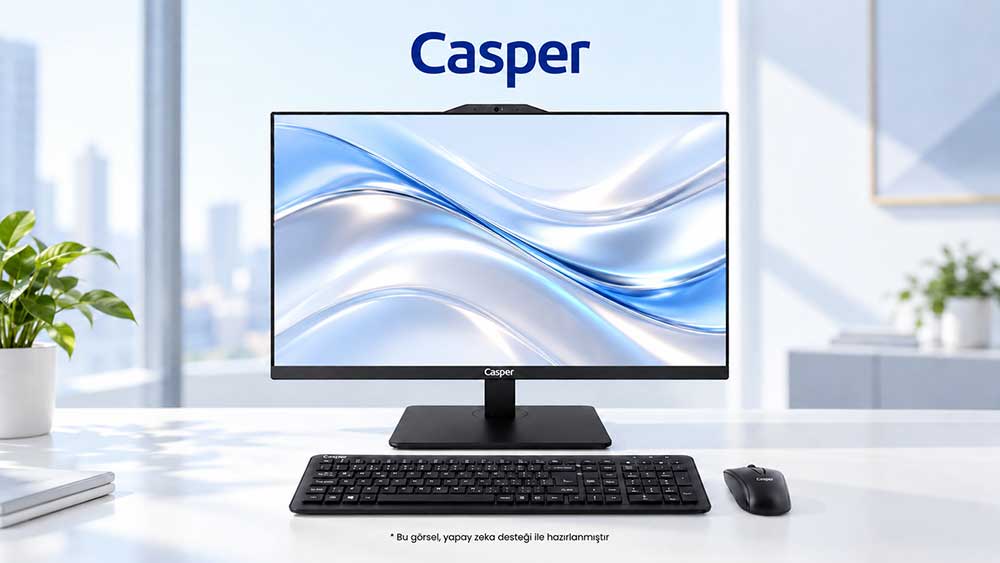
The Microsoft HCL record for the Casper Pro A900 is marked “Approved” for Windows 11 Client 25H2 x64. This makes it a documented option in terms of operating system and driver compatibility for enterprise migration. Completed on 4 September 2026, the record is listed under the All-in-One product type and System category. For IT teams, this approval supports the hardware compatibility aspect of device selection. The company’s applications, security tools and peripherals remain separate parts of the migration plan. A sound purchasing decision is made by aligning the certified system record with the organisation’s actual working environment, rather than reducing the assessment to whether the computer can simply run Windows.
Pro A900 certification record
In the Microsoft Windows Hardware Compatibility Program document, the manufacturer is identified as Casper Bilgisayar Sistemleri A.Ş. and the product name as CASPER PRO A900. The submission and completion date is 4 September 2026, and the qualification level is Microsoft Windows 11 Client family version 25H2, x64. The submission result is “Approved”. This information makes it possible to track system compatibility together with the product name, target version, architecture and registration date.
HCL stands for Hardware Compatibility List and is used in the context of Windows hardware compatibility. In Microsoft’s program, tests performed with Windows Hardware Lab Kit tools form the basis for evaluating a hardware submission. For the Pro A900, the registered approval provides evidence of the system’s hardware and driver compatibility with Windows 11. The scope is limited to the product and submission record defined in the document. This certification does not report benchmark scores, environmental durability or application-specific processing times.
Matching the organisation’s target version with the device record
Choosing an operating system requires a more detailed inventory than simply stating, “We use Windows 11.” The explicit reference to 25H2 and x64 in the Pro A900 record allows the IT team to review the target release and certification scope together. Windows family, version and architecture are separate record fields. Keeping them distinct prevents an approval obtained for another version from being carried into a purchasing decision unnoticed.
For example, a team adding new devices to a corporate deployment image can match the product identity in the quotation with the Pro A900 name in the approval record. A deployment image is a preparation package that distributes applications, drivers and organisation-defined settings together. It does not replace the HCL document; it brings documented hardware into the working environment the organisation intends to use. In this way, device standardisation extends beyond purchasing the same model and supports the continued use of a consistent deployment.
Validating business applications through pilot use
Microsoft’s Windows 11 readiness guidance recommends assessing application compatibility and deployment infrastructure, followed by a pilot deployment to a limited group of devices. The Pro A900’s approval in the System category describes the relationship between the hardware and the operating system. The organisation’s ERP client, accounting application or custom browser extension are examples that can be tested within the organisation’s own workflows during the pilot. They are not presented as published test results for the device.
A finance employee transferring files and a customer service team using a calling application do not represent the same validation scenario. The purpose of the pilot is to confirm that the deployment can support real tasks and to identify issues before broad rollout. The Pro A900’s Windows 11 Client 25H2 x64 record provides the common technical foundation. Application selection and acceptance criteria come from the organisation’s business requirements; the hardware certificate should not be expected to approve every software product on its own.
Security tools and peripherals
Alongside user applications, an enterprise computer may run endpoint security, remote access and data protection tools. In its Windows 11 readiness guidance, Microsoft specifically highlights the need to confirm compatibility with vendors of non-Microsoft solutions. The Pro A900’s Approved record is not a separate application certificate for specific versions of these tools. The relationship between hardware approval and the organisation’s software set can be validated through the pilot deployment.
The same approach can be applied to printers, scanners and other peripherals in use. These examples do not create a new feature list for the ports available on the Pro A900. The IT team’s question is whether its existing devices and drivers work with the selected configuration. The System-category record provides a system-level basis for this assessment, while the organisation completes the picture with its own inventory.
Assessment areas for an enterprise migration with the Pro A900
|
Planning area |
Documented basis for the Pro A900 |
Complementary work by the organisation |
|
Target operating system |
Windows 11 Client 25H2 x64 |
Define the version and deployment image to be used |
|
Product identity |
CASPER PRO A900; All-in-One / System |
Match the quotation with the delivered configuration |
|
Certification status |
Approved; 4 September 2026 |
Add the record to purchasing and inventory files |
|
Business applications |
Foundation for system compatibility |
Run a pilot using real tasks |
|
Security and peripherals |
Hardware and driver compatibility framework |
Validate the tools and devices in use separately |
A shared record-keeping approach before broad deployment
The Pro A900 product name, Windows version, architecture and approval date can be added to the purchasing record. When these core details are stored together with the deployment image and pilot findings, support teams can see which device was introduced with which software configuration. A later issue can then be investigated using the deployment and driver record, rather than relying only on the model name.
Planning the rollout in stages allows the organisation to assess changes with smaller user groups. The Pro A900’s approved system record is not a document that must be recreated at every stage; it is the hardware basis used at the start of the assessment. If an application version or organisational setting changes, the relevant operating environment can be reviewed again. This distinction makes it easier to track both the device’s certification history and the organisation’s current deployment status.
Frequently asked questions
Does HCL approval also provide a Windows licence for the Pro A900?
The HCL record documents the Pro A900’s hardware compatibility with the specified Windows version; it does not define the licence entitlement included in the purchase package. Whether the operating system is included in the quotation and which licence type will be used are separate purchasing details. While using the device’s Approved status in its compatibility assessment, the organisation should also clarify licensing through its quotation and contract terms.
Why should 25H2 and x64 be recorded separately in the inventory?
25H2 identifies the Windows version in the HCL record, while x64 identifies the stated architecture. Keeping these two fields separate clarifies the target environment associated with the Pro A900 approval. When the same information is included in the deployment plan, the certification record can be matched with the target system. This avoids making an overly broad compatibility assumption based only on the Windows family name.
Does the Pro A900 approval alone confirm that ERP software will run?
The Pro A900’s HCL approval supports hardware and driver compatibility for Windows 11 Client 25H2 x64. The version, extensions and organisational settings of a specific ERP client require a separate application assessment. Testing real transactions during the pilot makes this aspect visible. This example is not the result of a Pro A900 test performed with any specific ERP product.
Does the certification date replace the organisation’s update schedule?
4 September 2026 is the submission and completion date in the Pro A900 HCL record. It does not determine the date on which the organisation must update all devices or how many years of support it will receive. The rollout schedule is created according to the version in use, application readiness and business processes. The certification date is a core detail used to track the history of the device’s compatibility record.
Which user tasks can be used when selecting pilot devices?
The pilot group can use tasks that represent the organisation’s real work, such as document creation, ERP transactions, printing or secure remote access. The Pro A900’s approval in the System category provides the hardware foundation, while the organisation defines the acceptance criteria for these tasks. This turns the pilot from a basic check that Windows starts into a stage that tests the day-to-day working environment.
Conclusion: From documented hardware to a manageable enterprise deployment
IT teams aiming to establish a standard All-in-One working environment with Windows 11 25H2 x64 can assess the Pro A900 using its registered compatibility evidence. The decision is completed by validating the organisation’s applications, security tools and peripherals within the same deployment. When operating system compatibility is the priority, this approach connects device purchasing with day-to-day use and support. Workloads requiring high application-specific performance should also be assessed using relevant workload data.
You can review the Casper Pro A900 Microsoft HCL product and approval record together with the Casper All-in-One product range.