
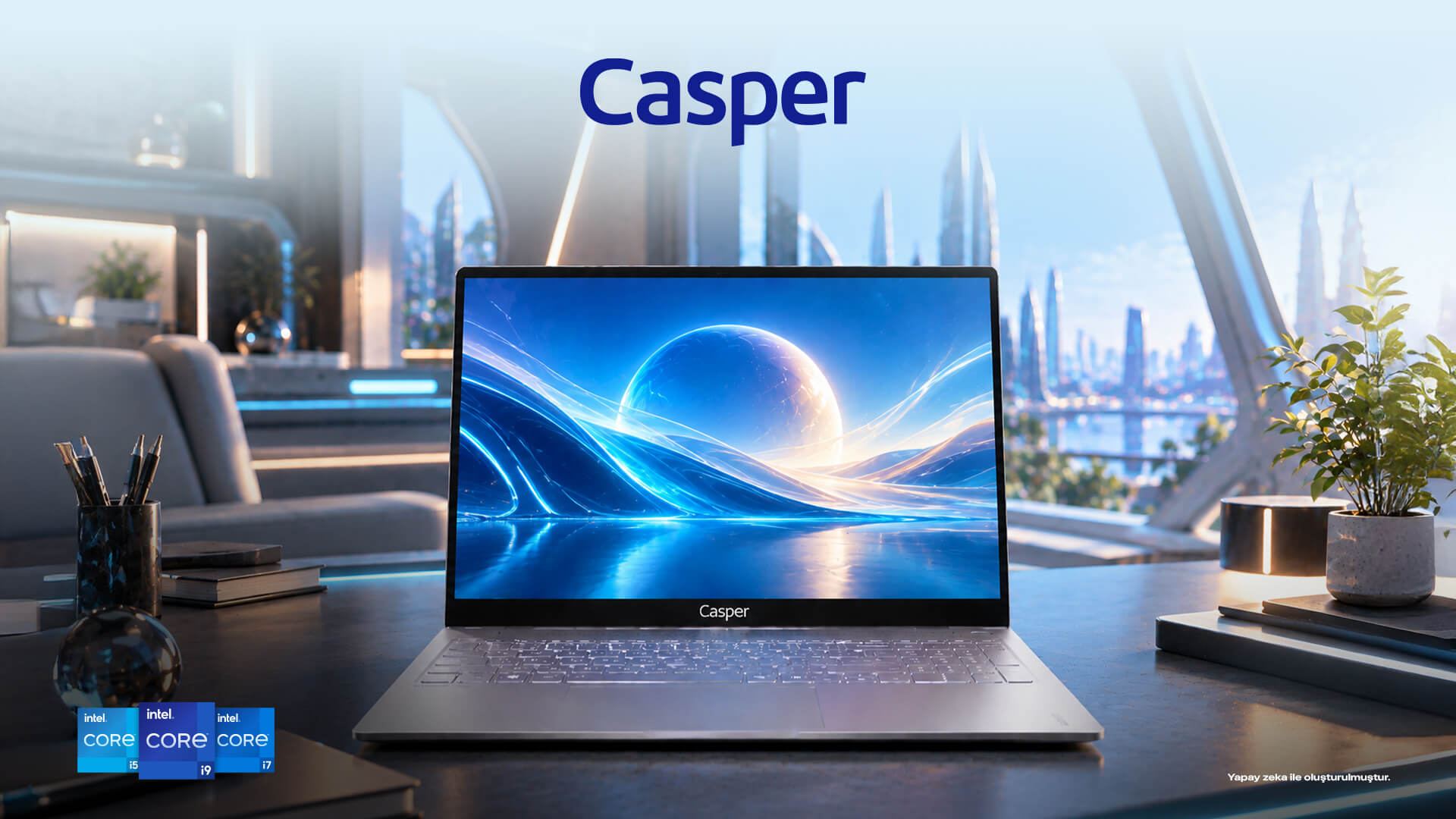
With configurations powered by the Intel Core Ultra 7 255H processor, the Casper Nirvana S100 provides a strong foundation for web development, software testing, and multitasking. When choosing a programming laptop, however, what makes the real difference is the workload created by memory, the SSD, and development tools alongside the processor. A developer working in a single code editor has different needs from someone running containers, databases, and virtual machines at the same time. Evaluating the Casper Nirvana S100 therefore means considering how its specifications translate into everyday development workflows.
Where does processor power make a difference when coding?
The Intel Core Ultra 7 255H in the Casper Nirvana S100 family brings processor capacity to the fore in tasks such as compilation, running tests, and switching between applications. When a project is compiled for the first time, the processor handles a large number of files, whereas small edits in the editor involve shorter, more frequent operations. The development experience depends on how these two patterns come together throughout the day.
For example, a developer checking an interface in a browser also keeps a code editor and local server open. As the project grows, the number of tools running in the background increases. The computing power provided by the Intel processor helps these activities run together. RAM and SSD choices for the Casper Nirvana S100 configuration being purchased should also support this processing power.
How do you choose between 16 GB and 32 GB of RAM?
In the Casper Nirvana S100, 16 GB of RAM provides a balanced starting point for users working with a code editor, a few development services, and a browser. For developers running multiple local databases, Docker containers, and a virtual machine at the same time, 32 GB provides more room to work. In this kind of workflow, memory requirements grow with the consumption of background processes rather than simply the number of open windows.
DDR5 memory and two SODIMM slots in the S100 family provide flexibility when choosing a configuration. Because the installed memory capacity can vary between devices on sale, the product code and the existing module arrangement need to be checked together. A team planning to use the development environment over the long term can allocate its purchasing budget more meaningfully by choosing capacity based on its current projects and the tools it expects to use in the near future.
How do the SSD and display affect a developer’s day?
The SSD options in the Casper Nirvana S100 bring source code, development tools, local test data, and project-related files together on the same computer. Even with a fast processor, opening a large project repository, handling many small files, and installing dependencies are tied to storage performance. This is why the processor, memory, and SSD work as a whole in a developer’s everyday experience.
The 16-inch, 16:10 display provides useful space for developers who keep their editor and application preview side by side. With source code on one side and error output on the other, the additional vertical space is particularly helpful in long files. The Casper Nirvana S100’s aluminum-alloy chassis also offers a distinct physical design choice for users moving between different workspaces.
Who is an Intel Core Ultra laptop best suited to?
The Casper Nirvana S100 is a strong option for those working on web applications, enterprise software, automation, and general-purpose programming. Mobile app developers allocate more resources to emulators, data analysts to large files, and backend developers to concurrent services. The same processor therefore takes on a different role across specializations when paired with different amounts of RAM and storage.
Local AI models and intensive 3D development bring both the graphics processor and memory capacity into consideration. A configuration with the S100 family’s integrated graphics solution should be chosen based on the system requirements of these tools. The most suitable model is determined less by the name of the programming language than by the tools actually used throughout the day.
What does an upgrade plan offer for a development computer?
The Casper Nirvana S100’s memory options make it easier to choose devices for different developer profiles, both for individual use and within organizations. A new team member’s basic development environment does not have the same hardware requirements as that of a senior engineer running numerous test services. Choosing different configurations from the same product family creates a common foundation for an organization’s support and purchasing processes.
Planning SSD capacity for large project archives alongside RAM and processor power for concurrent applications makes everyday device use more consistent. The Casper Nirvana S100 options provide a concrete example of this approach, which aligns the nature of development work with hardware choices.
Which S100 configuration stands out for each type of programming?
|
Development work |
Key requirement |
Who it is for |
|
Web front-end development |
Processor and 16:10 display |
Those using code and previews together |
|
Backend and local databases |
16–32 GB RAM options |
Those running multiple services |
|
Virtual machines and containers |
Memory planning for 32 GB and above |
Those setting up parallel test environments |
|
Large project archives |
SSD capacity |
Those keeping multiple projects locally |
|
Who it is for |
Intel Core Ultra 7 255H and workload-appropriate RAM |
Users focused on software development |
Frequently asked questions
Is the Intel Core Ultra 7 255H suitable for software development?
The Intel Core Ultra 7 255H version of the Casper Nirvana S100 is a suitable option for web applications, enterprise software, and general development work. Compilation and running applications concurrently are among the processor’s tasks. If the project environment also runs Docker, a database, or an emulator, RAM capacity and SSD performance are other important parts of the choice.
Should you choose 16 GB or 32 GB of RAM for programming?
For a developer using a single development environment, a browser, and a code editor, 16 GB offers a balanced starting point. When multiple virtual machines, test databases, and containers run simultaneously, 32 GB provides more room to work comfortably. The concurrent memory requirements of the tools being used are the deciding factor when choosing between Casper Nirvana S100 configurations.
What does the Casper Nirvana S100’s 16-inch display offer when coding?
The Casper Nirvana S100’s 16-inch, 16:10 display provides a workspace suited to showing source code alongside test output or a browser preview. The additional vertical viewing area makes long files and terminal logs easier to follow. This feature offers a practical advantage, particularly for developers working across different development windows throughout the day.
Why does SSD capacity matter in software development?
Development tools, project dependencies, local databases, and multiple code repositories all use storage space. When choosing an SSD for the Casper Nirvana S100, the total size of the projects needs to be considered, rather than only the space taken up by the operating system. Fast file access for the code editor and build tools contributes to a smoother daily workflow. Greater capacity offers more room for large archives.
Can local AI tools be used on the Nirvana S100?
The Casper Nirvana S100 can be used to work with lightweight development tools, API-based AI applications, and cloud services. For local language models or tools that require graphics processing power, the software’s CPU, RAM, and GPU requirements become important. Alongside the Intel Core Ultra 7 255H option, the graphics configuration being purchased is also determined by the needs of the intended application.
Conclusion
For programming, the Intel Core Ultra 7 255H configuration of the Casper Nirvana S100 becomes a versatile productivity computer when paired with the right memory and SSD. The display and processor are central to web development, while RAM capacity takes priority in projects using numerous local services. The best configuration is therefore determined by the tools a developer uses every day.
Related links
Casper Nirvana S100 model and configuration options