
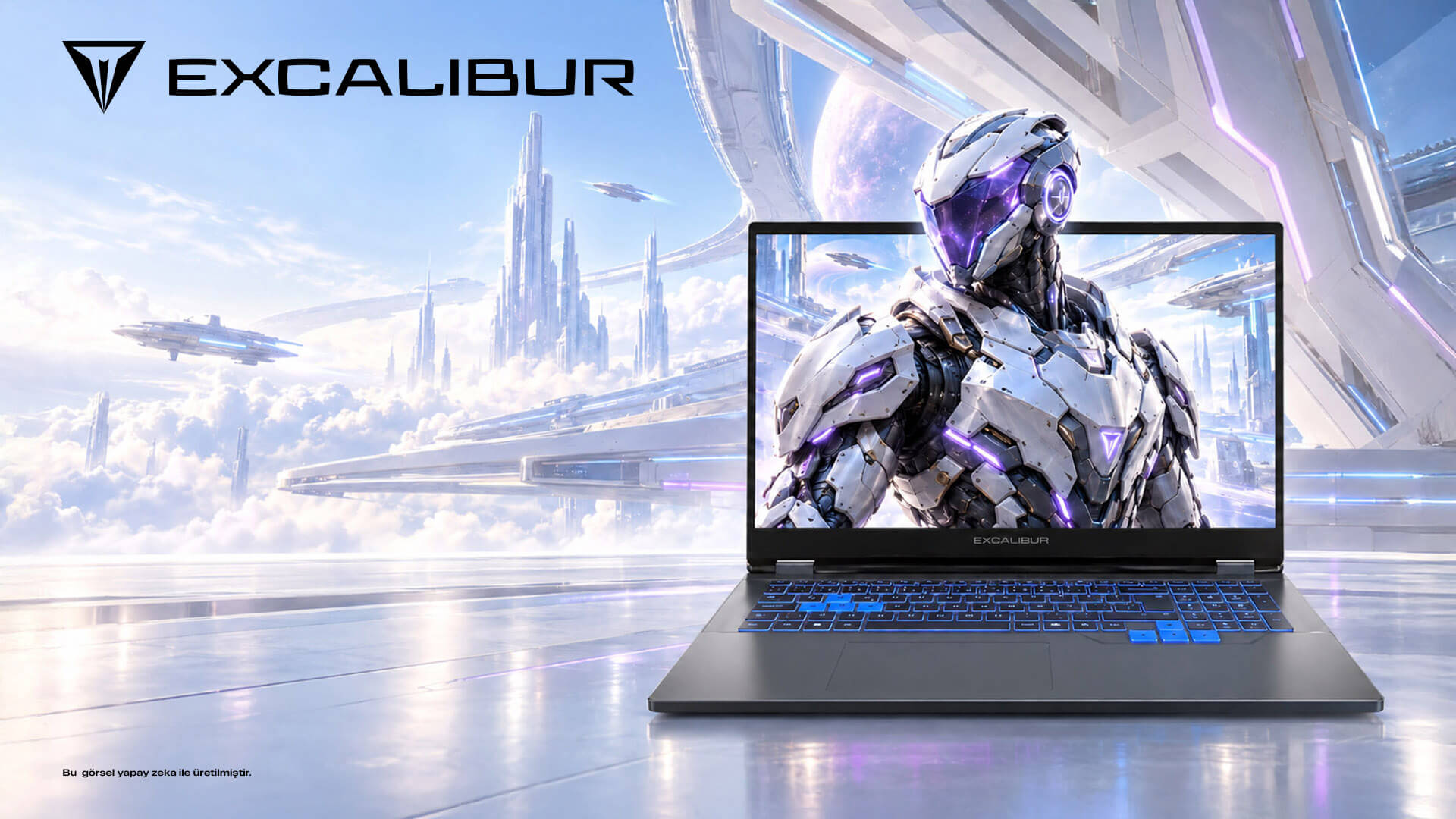
A 17.3-inch screen is a good fit for two people playing on the same laptop in split-screen. With its 17.3-inch Full HD IPS panel and 144 Hz refresh rate, the Casper Excalibur G887 gives two players sitting side by side a generous physical surface in front of a single computer. If the game offers local split-screen support in its menu, each player follows their own camera on the same panel. In a race, you get two separate track views; in an adventure, two separate mission areas. How much of the screen each player gets depends on the screen size, but also on the game's split direction and interface scale. That is why the two-player view feels different from one game to another on the same laptop.
One screen, two separate fields of view
The 17.3-inch panel of the Casper Excalibur G887 offers a physically large play area. When split-screen mode is turned on, the game shares this area between two cameras. In a race with a top and bottom view, each player's view stays horizontal. In an adventure split left and right, each player sees a narrower horizontal area. The visible advantage of the two layouts changes by game type. So when choosing a panel size, it makes more sense to look at the information players watch most often in the game.
The Full HD resolution on the Casper Excalibur G887 applies to the entire panel. The game divides this resolution between the two views according to its design. Character detail in front of a player, subtitle width and map size can change once the mode is on. The large physical panel helps elements shown at the same resolution look more comfortable. If a game lets you change subtitle size or interface scale, there is also room for each person's distance and reading preferences.
The role of the IPS panel when sitting side by side
When two people look at the IPS screen of the Casper Excalibur G887, each player usually sits slightly off the exact center. The panel's viewing angle therefore becomes more noticeable than at a desk where one person plays alone. Players watch their own half of the character and the shared on-screen alerts from different angles. Even when the game separates the two cameras, sound, menus or end-of-level information may appear in the middle. The comfort of a shared session improves when each player can easily follow both their own view and the shared interface.
The 17.3-inch size of the Casper Excalibur G887 provides a wider physical view in racing and sports games when surrounding markers get smaller. Two views opened in the same area can push details such as a checkpoint or a rival's movement toward the edges. Thinking about screen size only through a single-player scene is therefore incomplete. Wherever the game's familiar menu sits in split-screen is where the session's readability becomes apparent. Elements such as subtitles, lap count and direction arrows are judged according to where the players sit.
Two-camera rendering and refresh rate
The 144 Hz panel of the Casper Excalibur G887 leaves room for fast movement to be refreshed frequently during a session. In split-screen, the game may need to prepare the images of two cameras. This creates a different load depending on the game engine and the scenes. The display's refresh rate and the frame rate the game produces are separate results. In a race, each player watches different vehicles and surroundings, so the way the game runs can differ from single-player mode. Smoothness in the game takes shape together with the chosen graphics settings and the graphics card.
The Casper Excalibur G887 comes with an RTX 5050 or RTX 5060. The screen size stays the same with both options. How the game's two-player mode is rendered and the graphics settings you want determine the total workload of the two separate cameras. In an adventure where one player moves through an open area while the other stays in a narrow section, the scenes may not be equally demanding. Knowing this difference keeps you from confusing the screen's physical advantage with the game's graphics requirements when choosing a computer for two-player use.
How local game support changes the experience
The built-in display of the Casper Excalibur G887 shows the view layout the game provides. Some games use a single combined camera, keeping both characters in the same scene. Some games split the screen when the characters move apart. In other games, the two cameras are drawn separately from the start. If players pick specific games to spend time together, each of these modes uses the panel differently. On a shared screen you see the whole scene, while split mode gives each player the freedom to follow their own direction. The contribution of the 17.3-inch panel is better understood when you consider how small an area you actually look at in a real game.
Interface size on a shared screen
When two people look at the same screen on the Casper Excalibur G887, small text in menus matters as much as the scene. Seeing the lap count in a race and seeing two simultaneous mission notifications in an adventure demand different kinds of attention. Whether the game uses shared subtitles or separate text for each person changes how the space offered by the large panel is used.
When two people play on a single panel
|
Need for playing together |
What the Casper Excalibur G887 offers |
|
Physical surface split into two fields of view |
17.3-inch screen |
|
Image quality and viewing angle on the panel |
Full HD IPS |
|
Image refresh in racing and sports games |
144 Hz panel |
|
Who it is for |
Two people playing games with local support at the same desk |
The wide screen of the Casper Excalibur G887 becomes valuable for players who regularly open two-player sessions on a single laptop. On one half of the panel you can see your own route, and on the other half the point your friend has reached, at the same time. If the game menu offers a two-player mode, the remaining decision is whether the interface and the scene look comfortable once the screen is split. The large panel keeps this workspace on the same device.
Frequently asked questions
What should a game support to be played by two people on the same laptop?
The game's local multiplayer mode accepts players connected to the same computer in the same session. If the game offers a split view, the 17.3-inch screen of the Casper Excalibur G887 shows both cameras on a single panel. In games where two players share the same camera, the screen is used without splitting. The software's local mode determines how the panel is shared.
In which games does a top-and-bottom split screen look comfortable?
On the Casper Excalibur G887, the top and bottom halves use a wide horizontal area. This layout particularly suits games where two people follow the racing line or the sides of the track at the same time. The game's indicators and map are rearranged in each half. Text size and seating position also affect how comfortably markers can be seen.
What does a 17.3-inch panel enlarge at the same resolution?
On the Full HD panel of the Casper Excalibur G887, the same image sits on a 17.3-inch physical diagonal. Compared with a smaller panel at the same resolution, interface elements can be physically larger. For the player, the difference is how visible the mission text and other markers are in their own half of the screen while sitting side by side.
Does using two cameras affect the frame rate in the game?
In split-screen mode, the game may prepare two images from different positions. While the 144 Hz screen of the Casper Excalibur G887 displays this image, the actual FPS depends on the frames produced by the game engine and the graphics card. If the environments the two cameras face have different density, the graphics load also changes. This is why a single-player measurement does not translate one-to-one to a two-player session.
Does a third person watching the game from a distance benefit from the IPS screen?
The IPS panel of the Casper Excalibur G887 suits someone sitting off-center who views the image from a different angle. A spectator sitting next to the two players can see both screen sections from their own position. The game's small interface and the room's lighting affect readability. The wide surface is especially useful for shared menus and end-of-level screens.