
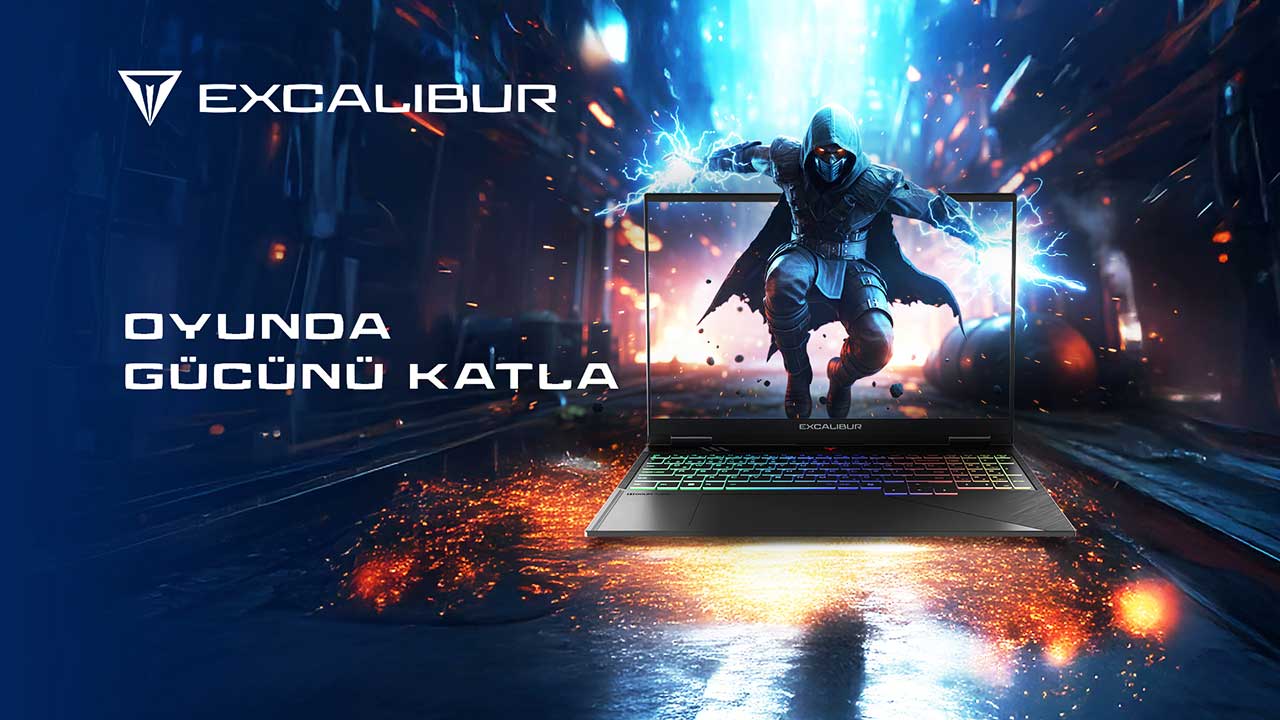
The Casper Excalibur G915 is recommended for people who use work applications during the day and play games in the evening: its 16-inch 16:10 display caters to work documents, while RTX 5060 and RTX 5070 options cater to gaming. In testing by SGS, an independent testing organization based in Switzerland that has been operating since 1878, the G915 scored 20,343 in the PCMark 10 Productivity test against a threshold of 15,000. Its weight of 2.3 kg and thickness of 20.5 mm make it easier to carry the same computer between the office and home.
Why does screen space matter at your desk?
The Casper Excalibur G915 offers a different workspace from conventional widescreen layouts with its 16:10 aspect ratio. For those working with long spreadsheets, seeing a few more rows vertically reduces the need for frequent scrolling. Keeping a source document and an editing window side by side when preparing presentations also creates a more comfortable workflow. The results apply to the configuration tested.
Brightness alone is not enough when assessing the display of a work-focused device. The FHD and QHD options in the Casper Excalibur G915 family allow users to choose a resolution according to their intended use. A day focused on text and spreadsheets does not have the same requirements as one centered on visual editing. The display choice should therefore reflect how most of the time spent on the computer is used.
The role of hardware when switching to evening gaming
The Casper Excalibur G915 also takes an ambitious approach to gaming hardware with RTX 5060 and RTX 5070 graphics options. For users joining a competitive game after work, the 165 Hz display is particularly relevant for smooth visuals. Those who prioritize visual quality at higher resolutions should consider the display and graphics processor together when making their choice.
Storage and memory configurations also matter to those who use one computer rather than multiple devices. Work files, game installations, and everyday applications accumulate on the same drive over time. The configuration options in the Casper Excalibur G915 product family aim to bring these different usage habits together in one chassis.
Carrying habits influence the purchasing decision
The Casper Excalibur G915’s weight of 2.3 kilograms and thickness of 20.5 millimeters are concrete specifications for people who carry a high-performance computer between home and work. Its aluminum body is another feature that defines the device’s physical construction. The practical significance of these features becomes clearer when considering how many days a week the computer goes into a bag.
Someone who always works at the same desk does not have the same priorities as someone who moves between meeting rooms during the day. Evaluating the Casper Excalibur G915 properly starts with identifying which parts of daily use require mobility. This makes it possible to choose a computer that fits the entire day’s workflow rather than focusing solely on the graphics card.
The support network is also part of choosing a work computer
Casper’s technical support network of 105 service locations offers accessible support within Türkiye for people who use their device for both professional and personal tasks. When two different uses come together on one computer, technical support needs are also concentrated on that single device. It is therefore useful to review warranty and service coverage at the same stage as selecting the hardware.
The conclusion for the Casper Excalibur G915 is clear: screen space for work and dedicated gaming graphics hardware come together in the same product family. The main deciding factors are the demands of everyday applications and gaming habits. Matching hardware options to these two expectations leads to a more consistent usage plan.
Two working setups on one device
Software developers, reporting specialists, and content creators expect different things from the same computer. When choosing a processor for the Casper Excalibur G915, it matters whether most of the work takes place in a browser or in a locally installed application. A powerful graphics card also provides an advantage for applications that process visual content outside gaming. Defining the usage profile is therefore a more productive starting point than simply reading the specifications table.
When selecting a graphics card for the Casper Excalibur G915, video processing and graphics-intensive software should be considered alongside games. Many users do not make heavy use of the graphics card during working hours. However, the needs of those producing visual content differ. The idea of a single device therefore does not mean giving every application equal weight. Listing the main software used during the workday and the games played in the evening separately makes it easier to find the right configuration. This avoids unnecessary conflicts between processor, display, and graphics card priorities.
What does the Casper Excalibur G915 offer for daytime work and evening gaming?
|
Feature |
Casper Excalibur G915 |
|
Workload (SGS) |
PCMark 10 Productivity: 20,343 (threshold: 15,000) |
|
Display |
16-inch 16:10 IPS, 165 Hz, FHD or QHD |
|
Graphics |
RTX 5060 or RTX 5070 |
|
Portability |
2.3 kg, 20.5 mm |
|
Service |
105 service locations |
|
Who it is for |
Users who work during the day, play games in the evening, and want a single laptop |
Frequently asked questions
Is the Casper Excalibur G915 suitable for office work?
Yes. The Casper Excalibur G915’s 16:10 display provides useful space for spreadsheets and multi-window working setups. The requirements of the applications used should be considered when selecting the processor and memory configuration. The 16:10 aspect ratio offers more vertical space for work documents. For people who work with spreadsheets during the day, this ratio makes the workflow easier. In the evening, the same panel allows a transition to gaming.
Which graphics cards are available in this model?
The Casper Excalibur G915 product family includes RTX 5060 and RTX 5070 options. The graphics card should be selected in conjunction with the resolution of the games played and the desired visual settings. The two graphics card options cater to different gaming and productivity requirements. Users working on visual projects can also benefit from the GPU’s capabilities. The model’s main advantage is bringing work-focused use and gaming expectations together within the same hardware family.
Is the 165 Hz display useful for work too?
The Casper Excalibur G915’s 165 Hz display provides smooth visuals, particularly with moving images. For office work, however, the display’s 16:10 aspect ratio and resolution are more important for everyday productivity. A high refresh rate is not a feature noticed only during gaming. It also creates a smoother visual experience in desktop actions such as moving windows and scrolling. The same panel therefore serves both work and entertainment.
Can the laptop be carried every day?
The Casper Excalibur G915 weighs 2.3 kilograms and is 20.5 millimeters thick. These dimensions can be considered alongside the bag and mobility requirements of those who regularly carry their computer. The weight of 2.3 kilograms and body thickness of 20.5 millimeters provide concrete measures of the device’s portability. For users commuting to work, it is important that the computer adapts to different working environments. The aluminum body complements this approach to use.
Where can service information be found?
Casper’s technical support pages explain service locations and the types of services available. People who use their device for work would benefit from reviewing warranty terms together with service coverage before purchasing. Casper’s service performance page shares the scope of the technical support network and service data. Accessible support is an important part of the purchasing decision for those using their computer for work. This information adds a service dimension to the hardware choice.
Conclusion
For those switching between work applications and gaming, the Casper Excalibur G915 brings together screen space and graphics hardware. The choice should be based on the needs of these two different parts of the day.