
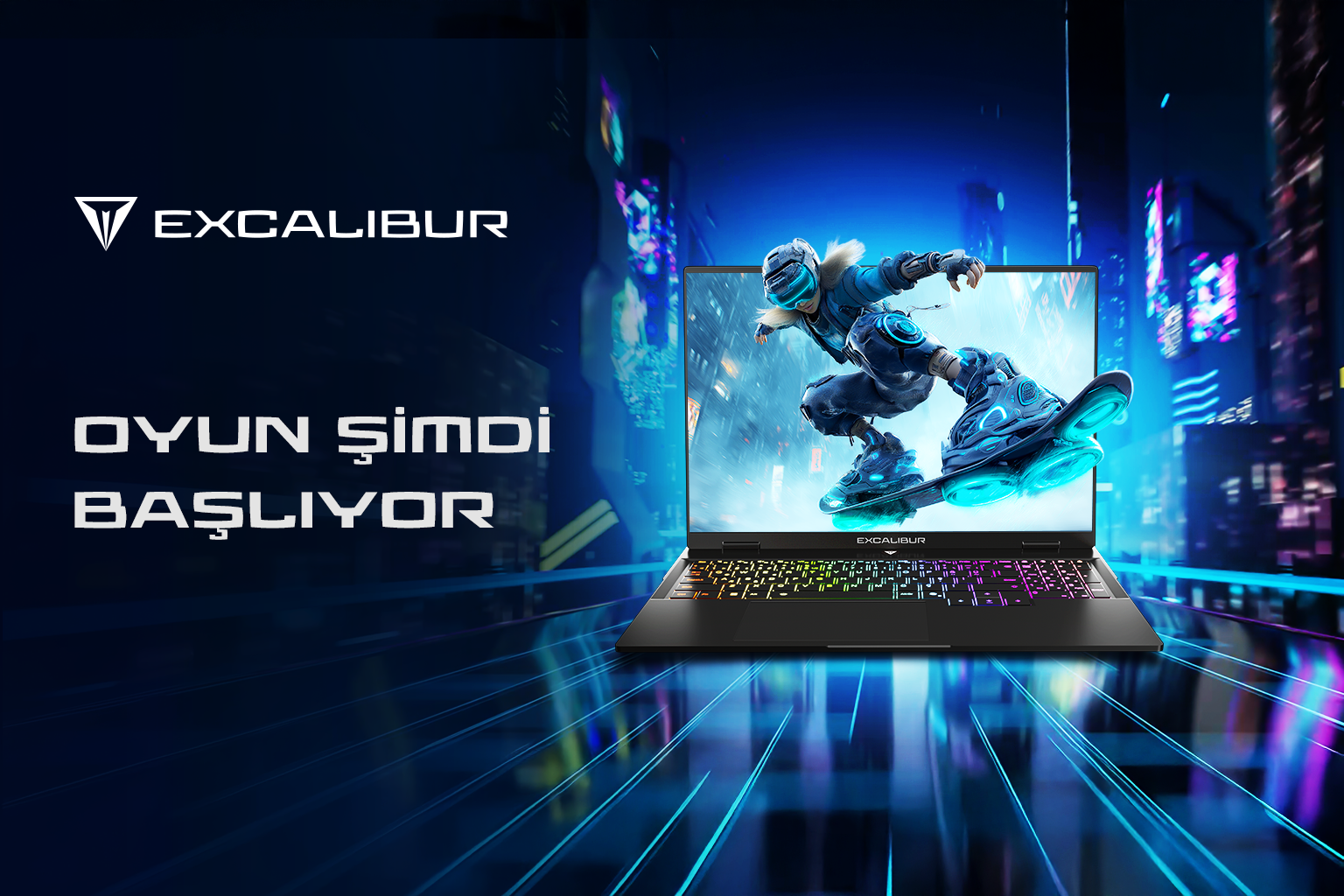
Excalibur G920, G870 & G915 Comparative Buying Guide
G920, G870, and G915… Three different Excalibur models, three different gamer profiles. So which one best fits your gaming style, portability needs, and budget? In this comparative buying guide, we evaluate these three models not only by their technical specifications but also through real-life usage scenarios and gamer profiles. Because the right gaming laptop isn’t always the most powerful—it’s the one that fits you best.
Don’t Just Choose the Most Powerful Laptop—Choose the Right One
When buying a gaming laptop, most users initially focus on the processor and graphics card. However, these aren’t the only factors that define the real user experience. The type of games you play, how often you carry your device, your budget, and the tasks you perform beyond gaming all play a crucial role in your decision.
For example, a competitive FPS player might prioritize high refresh rates and low response times, while someone who prefers story-driven AAA titles may care more about GPU power and cooling performance. Users who frequently carry their laptop to school, work, or while traveling may value portability just as much as performance.
The Excalibur gaming laptop family is positioned across three different segments to meet these diverse needs:
- Excalibur G920: For gamers seeking top-tier performance and competitive advantage
- Excalibur G870: For users looking for a balanced price-performance ratio
- Excalibur G915: For those who want both portability and performance
In this guide, we compare the G920, G870, and G915 not only by specs but also by real-world usage scenarios and gamer profiles.
What Kind of Gaming Brand is Excalibur?
Excalibur is a gaming computer brand that develops high-performance systems for gaming and productivity. It is preferred not only by gamers but also by streamers, content creators, and professionals requiring strong hardware performance.
The Excalibur product line includes models designed for different usage habits. Some focus on maximum performance, while others emphasize portability or price-performance balance. That’s why choosing the right model requires evaluating both technical specs and personal usage habits.
Ask Yourself These Questions First
Before choosing a gaming laptop, answering these questions will help you find the right model:
What games do you play most frequently?
- Competitive games like Valorant, CS2, Apex Legends, Fortnite
- AAA titles like Cyberpunk 2077, GTA VI, Black Myth: Wukong
- MMO and strategy games
- Streaming and content creation alongside gaming
How often will you carry your laptop?
- Mostly desk use
- Between university and home
- Constant travel
How flexible is your budget?
- I want the highest possible performance
- I’m looking for balanced price-performance
- I don’t want to exceed a certain budget
What do you do besides gaming?
- Video editing
- Streaming
- Graphic design
- Software development
- Multitasking
Your answers will naturally guide you toward either the G920, G870, or G915.
Excalibur G920: Maximum Performance for Competitive Gamers
If your priority is achieving the highest FPS, fast response times, and gaining an advantage in competitive games, the Excalibur G920 stands out.
With its 16-inch QHD 300 Hz display, 3 ms response time, and G-Sync support, it delivers a highly fluid experience for fast-paced games like Valorant, CS2, and Apex Legends.
Available with RTX 5090, RTX 5080, and RTX 5070 Ti configurations, it provides a powerful setup not only for current games but also for future titles.
Who Should Choose the G920?
- Competitive FPS players
- Esports-focused users
- Gamers seeking maximum graphical performance
- Streamers and content creators
- Users mostly playing at a desk
Is G920 Suitable for Valorant and CS2?
Thanks to its high refresh rate display and powerful GPU options, the G920 is an excellent choice for games where FPS matters.
Excalibur G870: Ideal for Price-Performance Balance
Not every gamer needs a high-end system. Especially for first-time buyers, price-performance balance is often more important.
The G870 offers flexible configurations with GPU options ranging from RTX 3050 to RTX 5070, allowing users to build a system based on their budget.
Who Should Choose the G870?
- First-time gaming laptop buyers
- University students
- Gamers seeking balanced performance
- Budget-conscious users
- Users who don’t aim to play on ultra settings in every game
Excalibur G915: The Balance Between Mobility and Performance
Many gamers don’t just use their laptops at home—they also carry them to university, office, or while traveling.
The G915 stands out with its 2.3 kg weight and slim design, making it ideal for portable use. With RTX 5060 and RTX 5070 options, it delivers strong gaming performance without compromising mobility.
With MUX Switch support, it also offers efficient balance between battery life and performance.
Who Should Choose the G915?
- Users constantly on the move
- University students
- Professionals combining work and gaming
- Users looking for a lightweight gaming laptop
Aluminum Chassis
Excalibur gaming laptops feature an aluminum chassis that is not just aesthetic but also improves durability and longevity. Compared to plastic builds, aluminum offers better structural strength and helps maintain the device's form during intensive use and frequent transport.
Copper Plate & Thermal Design
Performance in gaming laptops isn’t just about hardware power—it’s also about how long that power can be sustained.
Excalibur models utilize a copper plate (Cu Plate) cooling architecture, which helps distribute heat more efficiently across CPU and GPU components. Combined with a turbo thermal cooling system, this design ensures more stable performance under heavy loads.
Frequently Asked Questions
Can RAM be upgraded?
Depending on the model and configuration, RAM upgrade options may be available. It’s recommended to check technical specifications before purchase.
What does MUX Switch do?
MUX Switch allows the display to connect directly to the GPU, improving gaming performance or optimizing battery usage.
Why is G-Sync important?
G-Sync reduces screen tearing and provides a smoother visual experience.
Which model is best for content creation?
Models equipped with RTX 50 series GPUs, DDR5 RAM, and NVMe SSDs provide advantages for video editing, streaming, and creative workflows.
Which model is better for university students?
If portability is important, G915 is a better choice. If budget balance matters more, G870 is ideal.
Conclusion: Which Excalibur is Right for You?
Choosing the right gaming laptop is not about buying the most powerful model—it’s about choosing the one that best fits your needs.
- G920 → for maximum performance in competitive gaming
- G870 → for balanced price-performance
- G915 → for combining mobility and gaming performance
When making your decision, consider the games you play, how often you’ll carry your laptop, and your long-term expectations.